
App Settings
Overview
Configure the app to your preferences. Settings are available from the app (web and mobile).
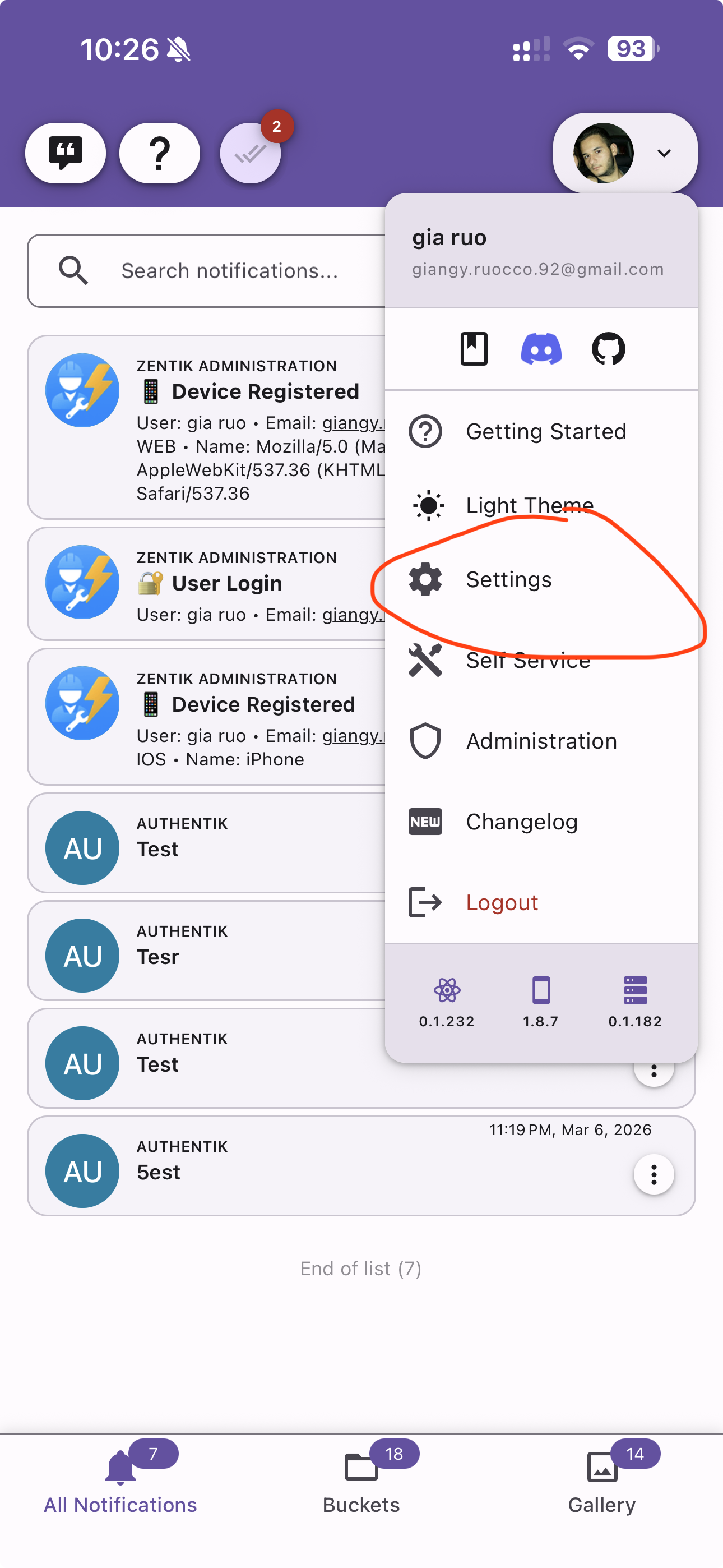
To access app settings, tap your avatar in the top-right corner and select Settings.
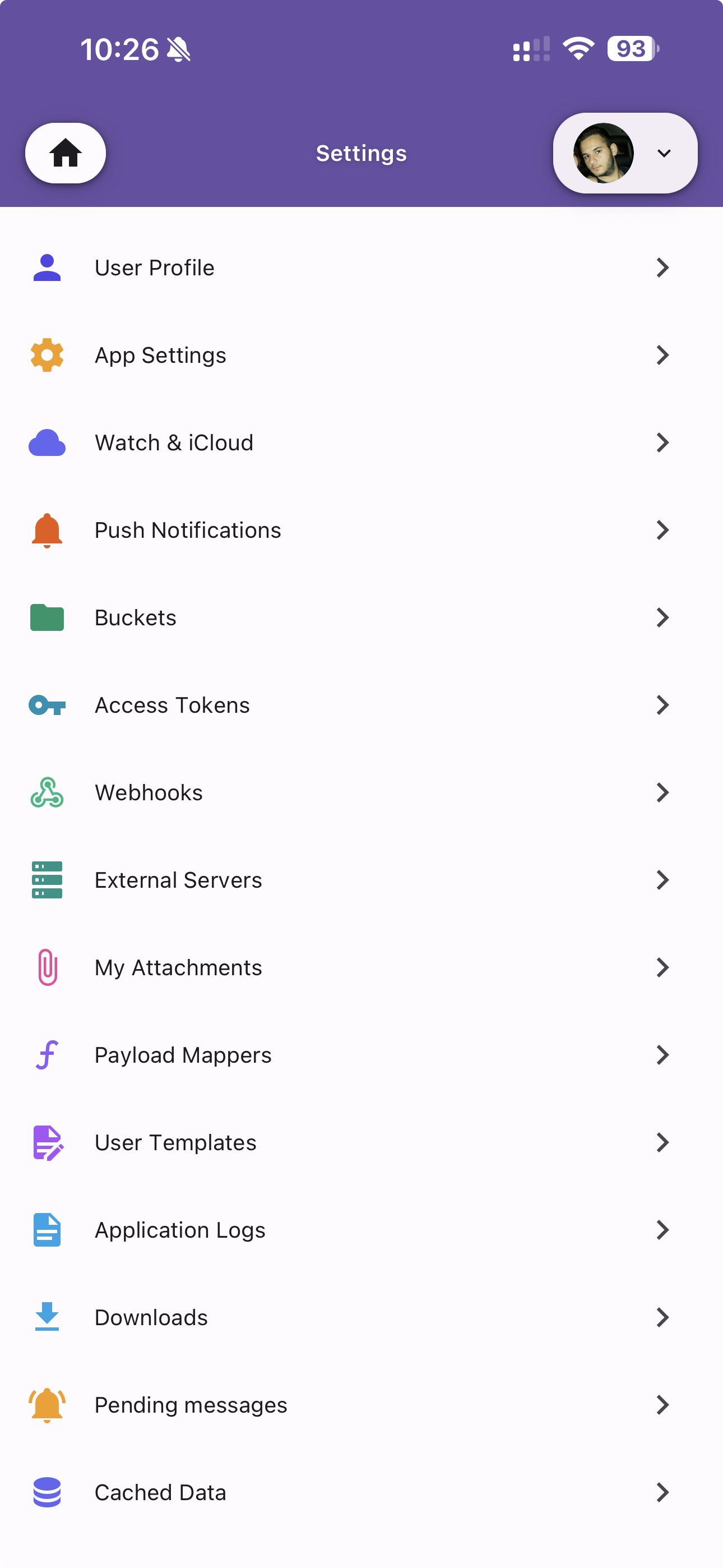
Sections
- User Profile — Manage your account details
- App Preferences — Theme, language, and appearance
- Watch & iCloud — Apple Watch and iCloud sync
- Push Notifications — Device push notification preferences
- Buckets — Manage your notification buckets
- Access Tokens — Manage your personal access tokens
- Webhooks — Configure outgoing webhooks
- External Servers — Connect to external notification systems
- My Attachments — Manage uploaded attachments
- Payload Mappers — Custom payload transform mappers
- User Templates — Message templates
- Application Logs — View local application logs
- Downloads — Manage downloaded files
- Pending Messages — View pending and scheduled messages
- Cached Data — Manage local cache