
App Settings
Cached Data
View and manage all locally cached data on the device. Zentik stores notifications, buckets, logs, settings, and media files locally for offline access and performance.
The underlying storage depends on the platform:
- iOS — SQLite database stored on the device filesystem
- Web — IndexedDB in the browser
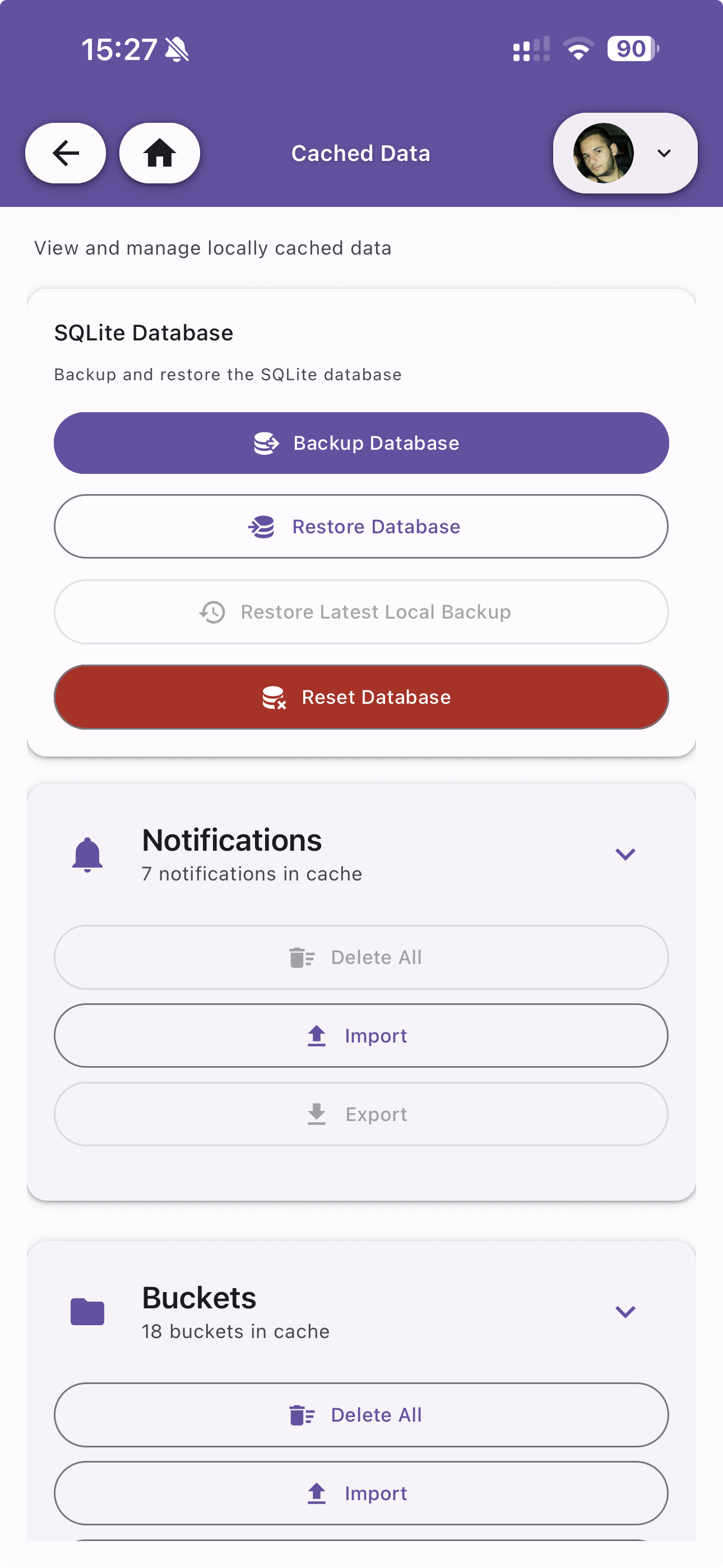
SQLite Database
Manage the local SQLite database used to store all cached data.
| Action | Description |
|---|---|
| Backup Database | Create a local backup of the current database |
| Restore Database | Restore the database from a backup file |
| Restore Latest Local Backup | Restore from the most recent local backup |
| Reset Database | Delete and recreate the local database. This removes all cached data |
Notifications
Manage cached notifications locally stored on the device. Shows the total count of notifications in cache.
| Action | Description |
|---|---|
| Delete All | Remove all cached notifications |
| Import | Import notifications from a file |
| Export | Export all cached notifications to a file |
Buckets
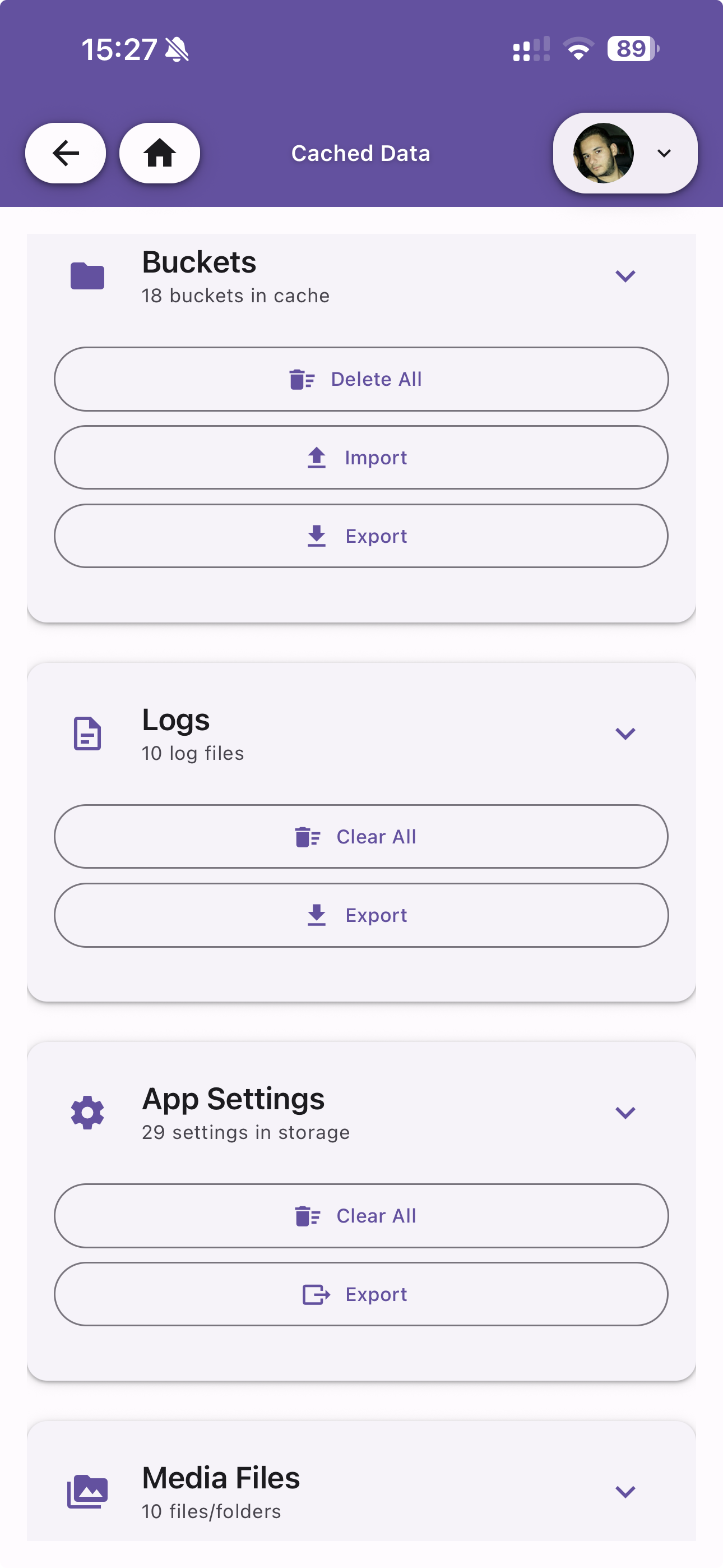
Manage cached bucket data. Shows the total count of buckets in cache.
| Action | Description |
|---|---|
| Delete All | Remove all cached buckets |
| Import | Import buckets from a file |
| Export | Export all cached buckets to a file |
Logs
Manage locally stored log files. Shows the total number of log files.
| Action | Description |
|---|---|
| Clear All | Delete all local log files |
| Export | Export logs to a file |
App Settings
Manage cached app settings. Shows the total number of settings in storage.
| Action | Description |
|---|---|
| Clear All | Reset all settings to defaults |
| Export | Export current settings to a file |
Media Files
Manage downloaded media files (images, videos, GIFs). Shows the total number of files and folders.