
App Settings
Downloads
View and manage media files downloaded from notifications, stored locally on the device.
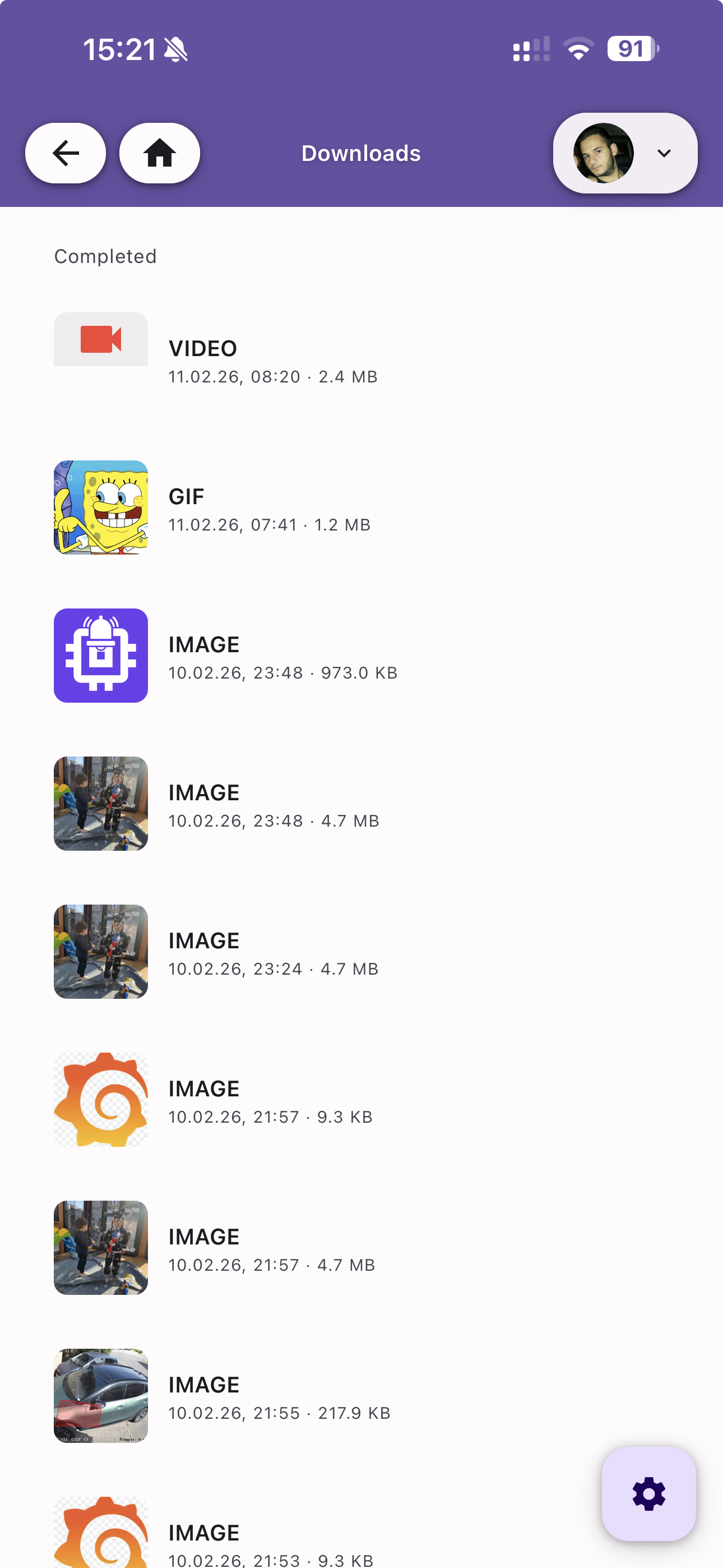
Download List
Browse all downloaded attachments grouped by status (Completed, In Progress). Each entry shows:
- Thumbnail — A preview of the media file
- Type — The file type (IMAGE, VIDEO, GIF)
- Date — When the file was downloaded
- Size — File size (e.g. 4.7 MB, 973.0 KB)
Downloads are triggered automatically when Auto Download Attachments is enabled, or manually via the download button on each notification attachment.
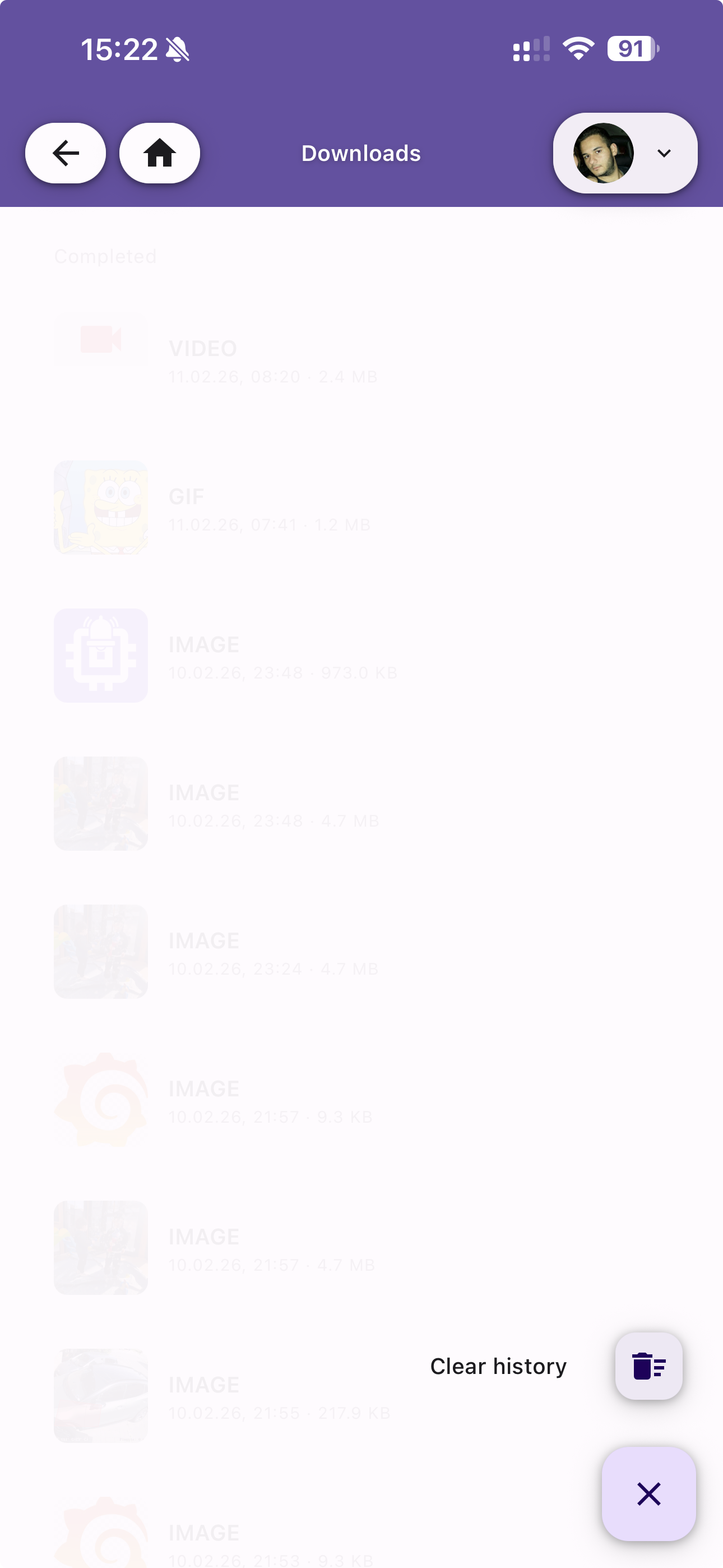
Actions
Tap the action button at the bottom-right to:
- Clear history — Remove all downloaded files from local storage