
Payload Mappers
Payload mappers transform incoming webhook payloads from external services into Zentik notifications. They act as adapters between any webhook-enabled service and Zentik's notification format.
For built-in parsers documentation, see Transform Parsers.
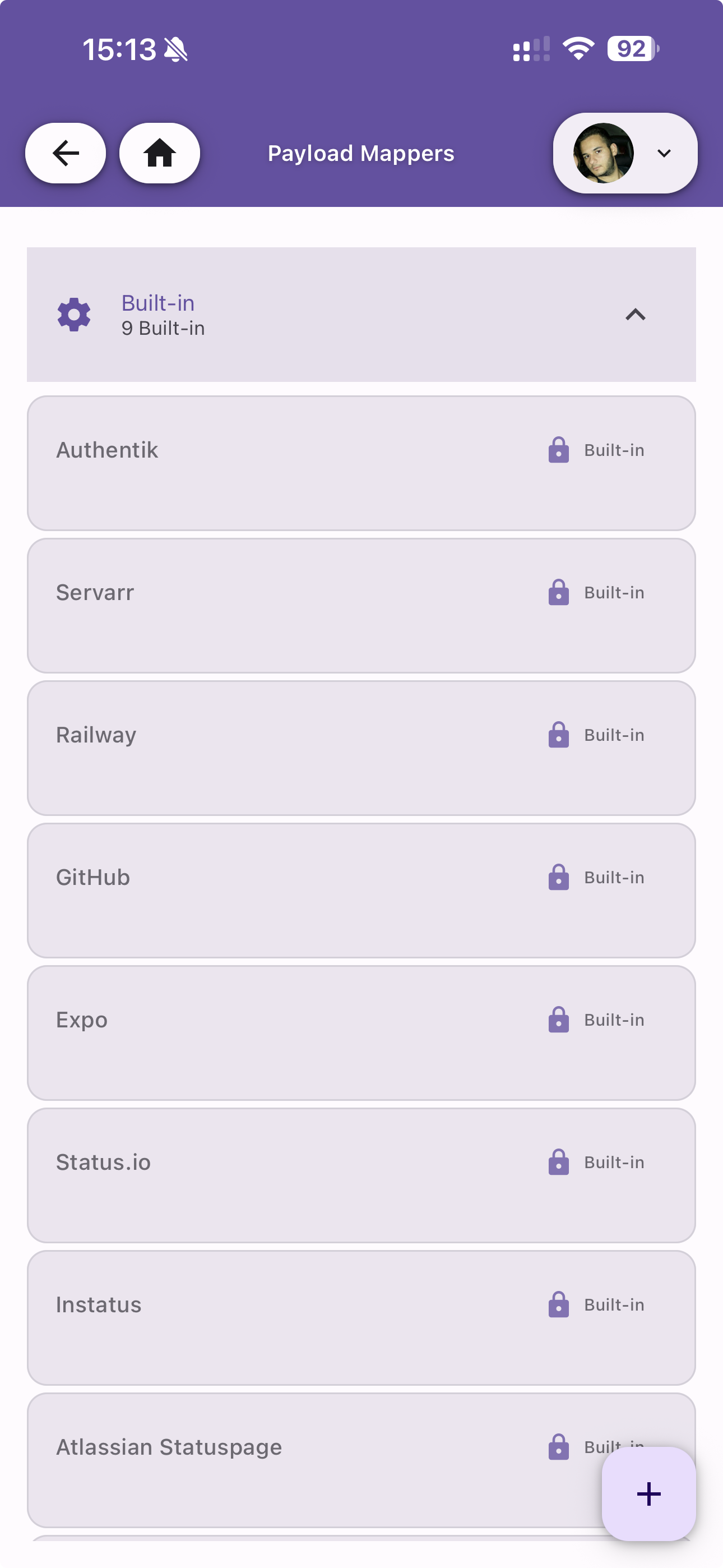
Built-in Mappers
Zentik ships with 9 pre-configured mappers for popular services. Built-in mappers are read-only and marked with a lock icon. See Transform Parsers for the full list and details.
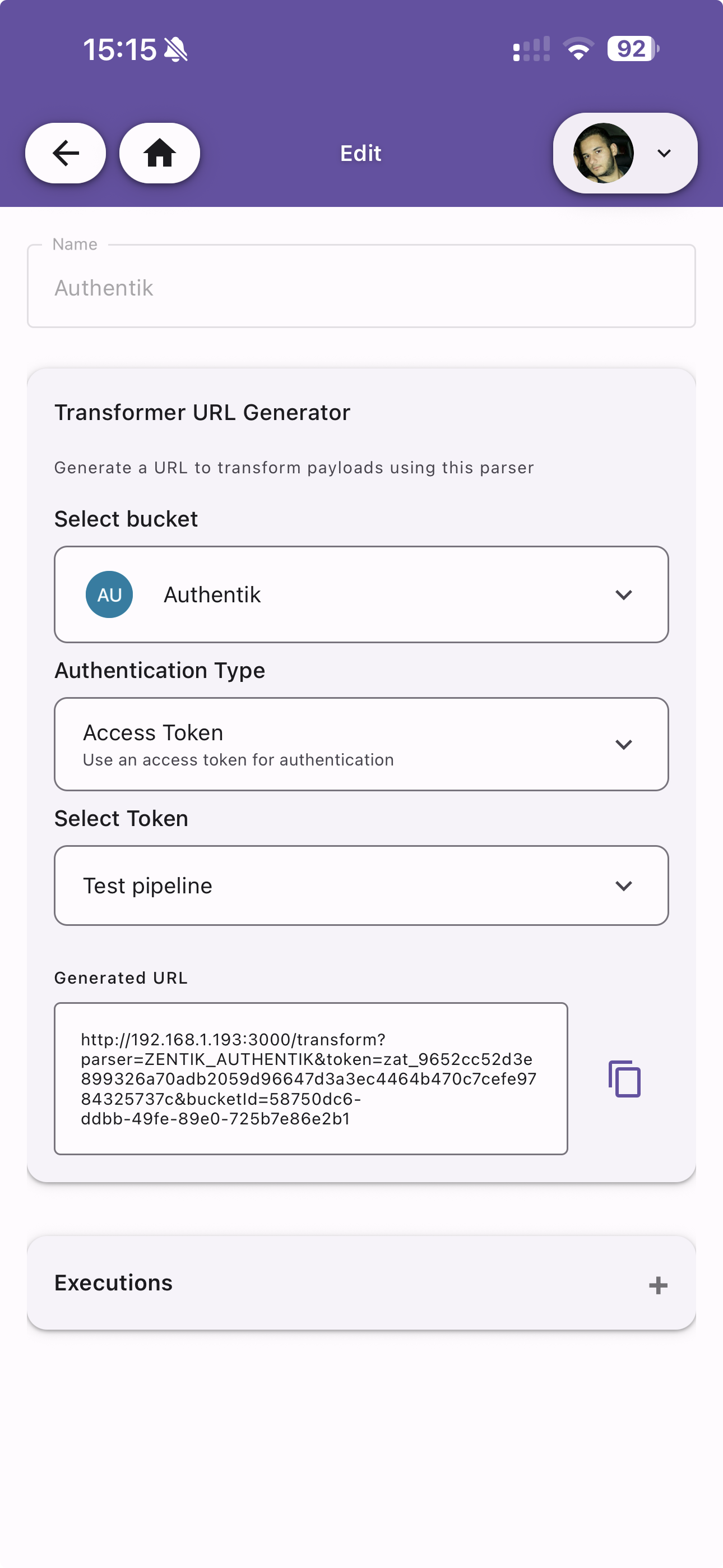
Transformer URL Generator
Each built-in mapper provides a Transformer URL Generator to quickly create a webhook URL. Configure:
- Select bucket — The destination bucket for transformed notifications
- Authentication Type — Choose between Access Token or Magic Code
- Select Token — Pick an existing access token for authentication
The generated URL can be copied and used as a webhook endpoint in the external service.
Executions
View the execution history for each mapper, showing the status of each transformation (SUCCESS, SKIPPED, ERROR).
Create Custom Mapper
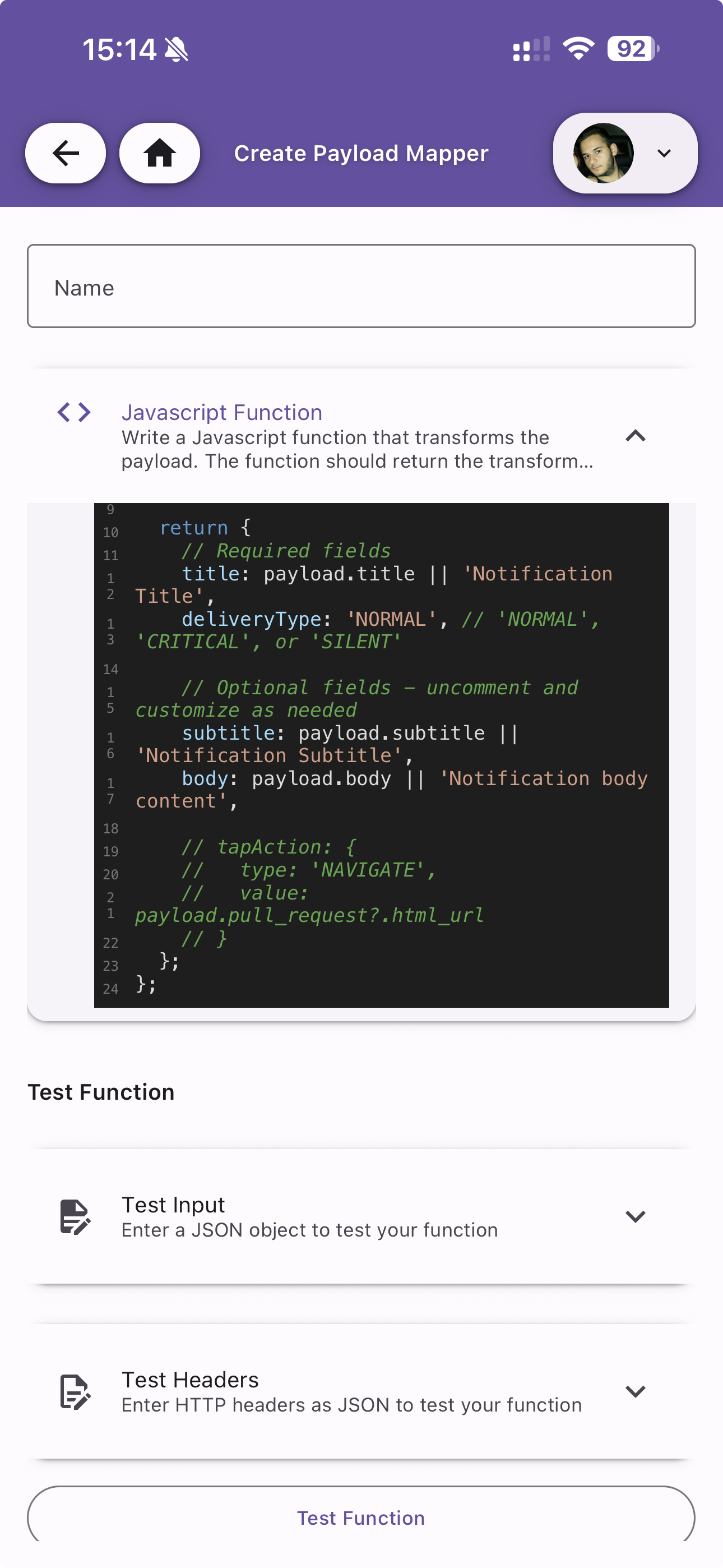
Create your own mapper by writing a JavaScript function that transforms incoming payloads into the Zentik notification format.
Javascript Function
Write a function that receives the raw payload and returns a notification object. The function has access to:
payload— The incoming JSON payloadheaders— The HTTP headers from the webhook request
The function must return an object with the following fields:
| Field | Required | Description |
|---|---|---|
title | Yes | Notification title (max 100 characters) |
deliveryType | Yes | NORMAL, CRITICAL, or SILENT |
subtitle | No | Secondary text (max 100 characters) |
body | No | Detailed content (max 500 characters) |
tapAction | No | Action triggered when tapping the notification (type + value) |
actions | No | Array of quick action buttons |
attachments | No | Array of media attachments |
tags | No | Array of tags for filtering |
groupId | No | Group related notifications together |
ephemeral | No | Auto-delete after 1 hour |
Return null to skip the notification (e.g. for filtered events).
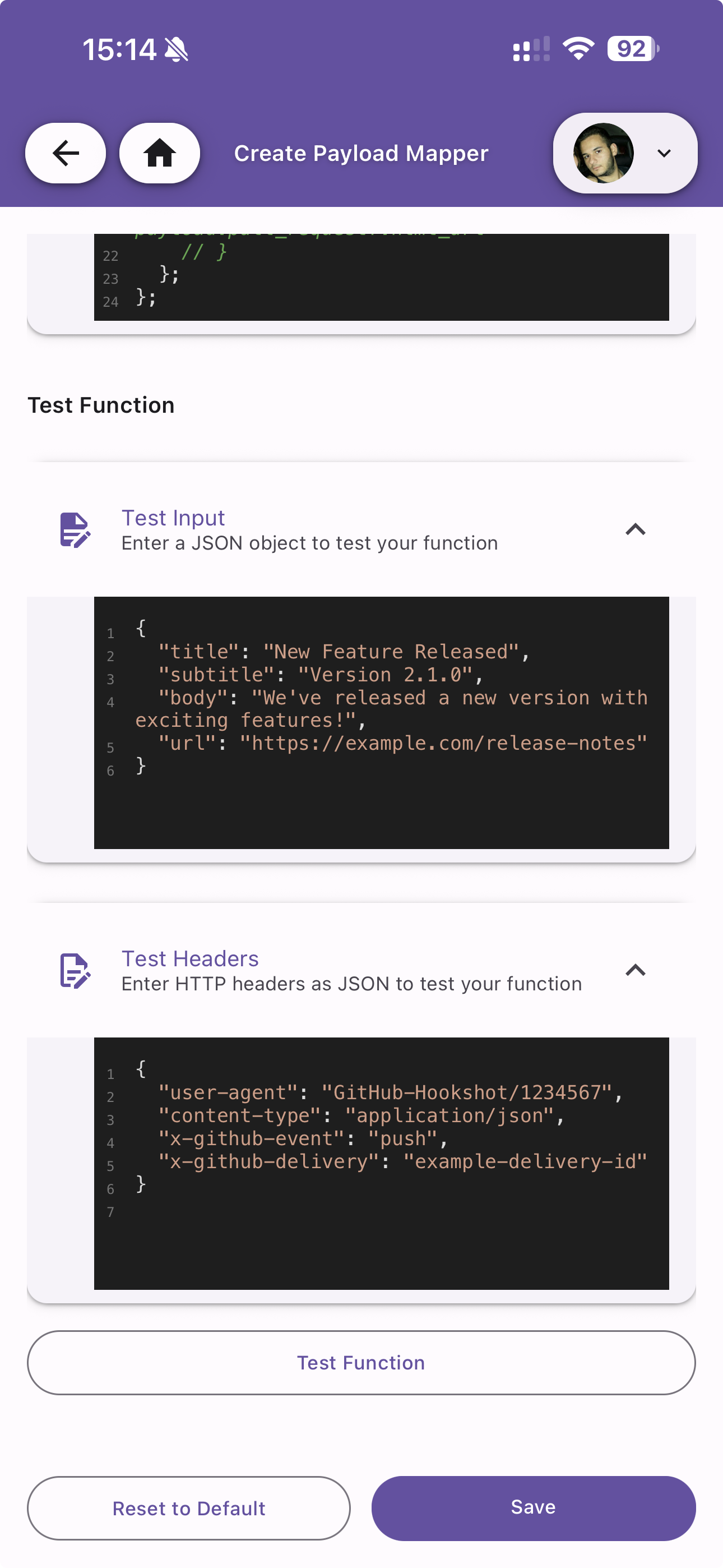
Test Function
Before saving, test your mapper with sample data:
- Test Input — Enter a JSON object simulating the incoming webhook payload
- Test Headers — Enter HTTP headers as JSON to simulate the webhook request
Tap Test Function to validate the output. Use Reset to Default to restore the template code, or Save to store your custom mapper.