
App Settings
Watch & iCloud
Configure iCloud synchronization and Apple Watch companion app settings.
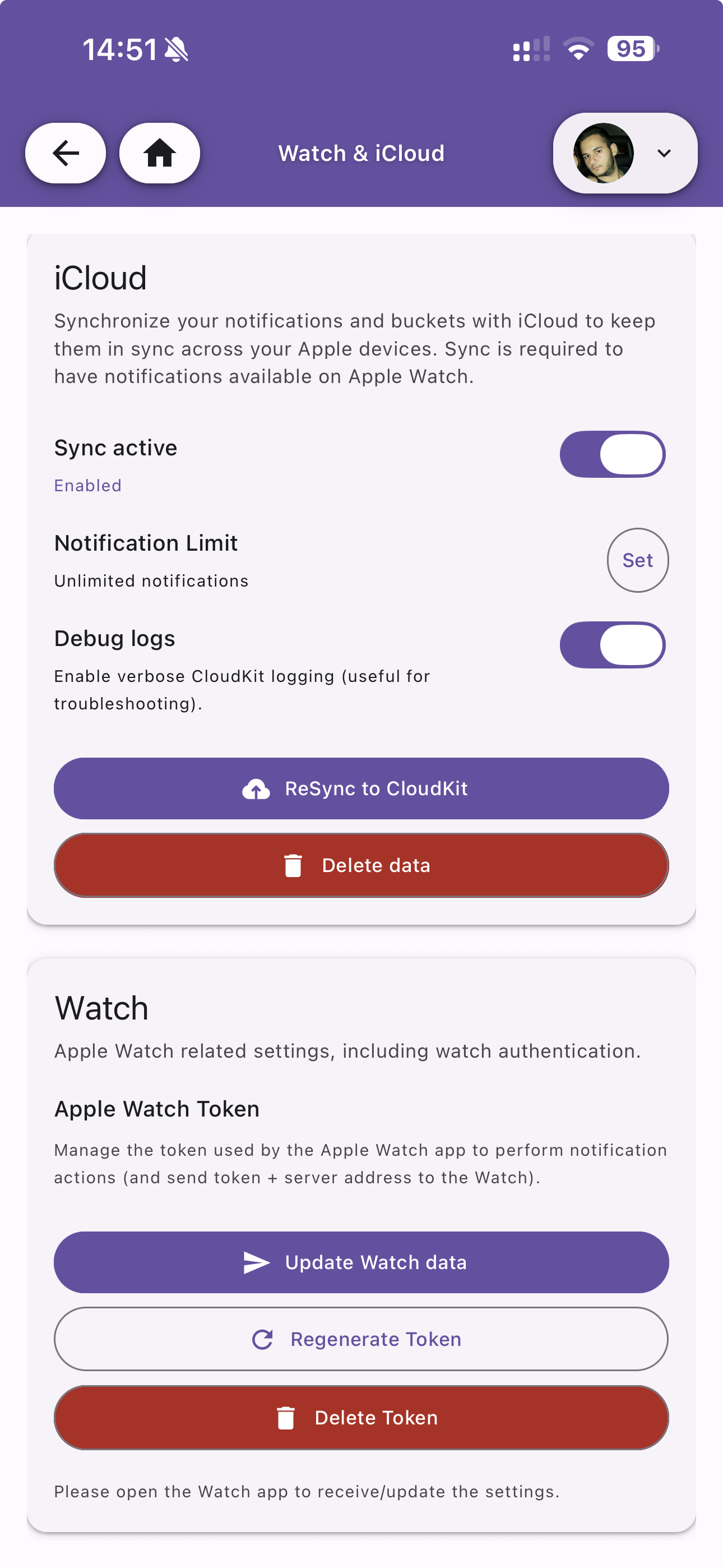
iCloud
Synchronize your notifications and buckets with iCloud to keep them in sync across your Apple devices. Sync is required to have notifications available on Apple Watch.
| Option | Default | Description |
|---|---|---|
| Sync active | Off | Enable iCloud synchronization via CloudKit |
| Notification Limit | Unlimited | Maximum number of notifications to sync |
| Debug logs | Off | Enable verbose CloudKit logging (useful for troubleshooting) |
Actions
- ReSync to CloudKit — Force a full re-sync of all data to iCloud
- Delete data — Remove all synced data from iCloud
Watch
Apple Watch related settings, including watch authentication.
Apple Watch Token
Manage the token used by the Apple Watch app to perform notification actions and send the server address to the Watch.
- Update Watch data — Push the latest token and server address to the Watch
- Regenerate Token — Generate a new token for the Watch app
- Delete Token — Remove the Watch token
After updating, open the Watch app to receive the new settings.