
App Settings
Webhooks
Configure outgoing webhooks that can be used as quick actions on notifications to execute arbitrary HTTP requests. This allows you to trigger external systems directly from a notification — for example, acknowledging an alert, approving a request, or calling a home automation endpoint.
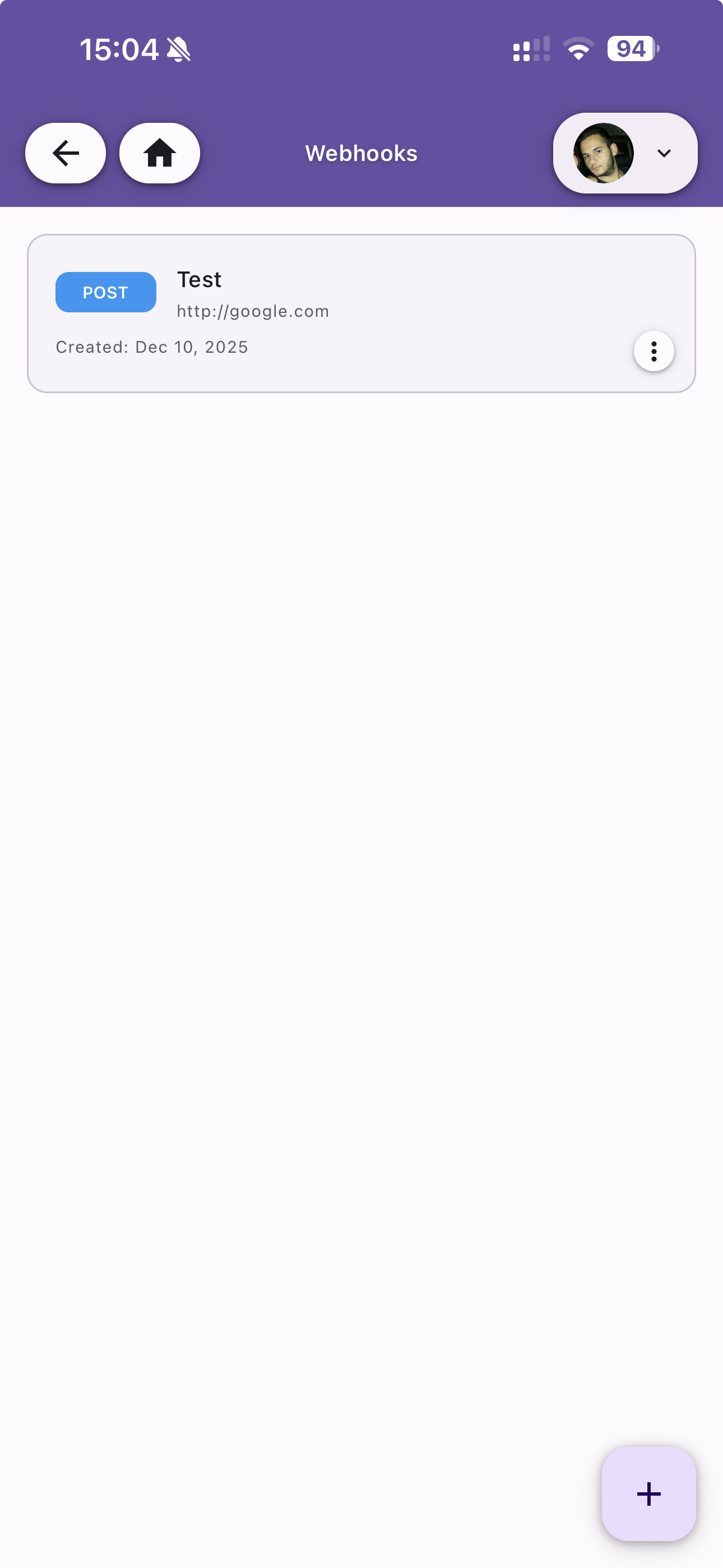
Webhook List
View all configured webhooks. Each entry shows:
- HTTP Method badge (e.g. POST)
- Name — The webhook name
- URL — The target endpoint
- Created date — When the webhook was created
Tap the menu icon on each webhook to edit or delete it. Use the + button to create a new webhook.
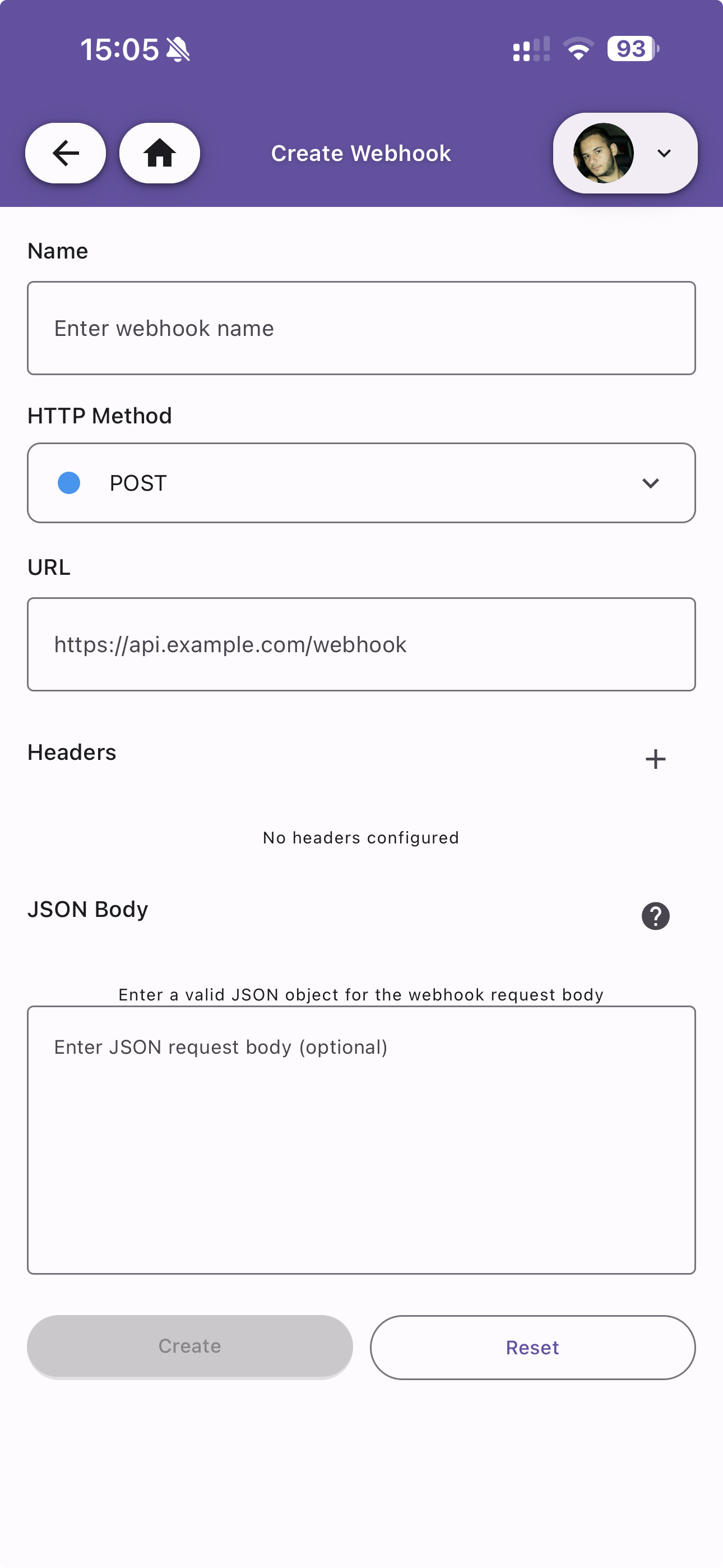
Create Webhook
Configure a new outgoing webhook with the following fields:
| Field | Description |
|---|---|
| Name | A descriptive name for the webhook |
| HTTP Method | The HTTP method to use (POST, GET, PUT, etc.) |
| URL | The target URL that will receive the webhook request |
| Headers | Optional custom HTTP headers to include in the request. Tap + to add headers |
| JSON Body | Optional JSON request body. Must be a valid JSON object. Use the help icon to see available template variables |
Tap Create to save the webhook or Reset to clear the form.