
Self-service passthrough token
Self-hosted instances can use the official Zentik cloud to deliver push notifications to iOS (and optionally other providers) without configuring APNs, certificates, or Firebase yourself. To do this you need a passthrough token.
Steps
-
Request a token
Go to the self-service token request page and submit a request. -
Wait for confirmation
Once your request is approved, the token will be available to your account. -
Use the token in the app As an admin user, open Server settings in the app. The approved token will appear in a selector. Select it to enable iOS passthrough (and optionally other passthrough options) for your self-hosted instance.
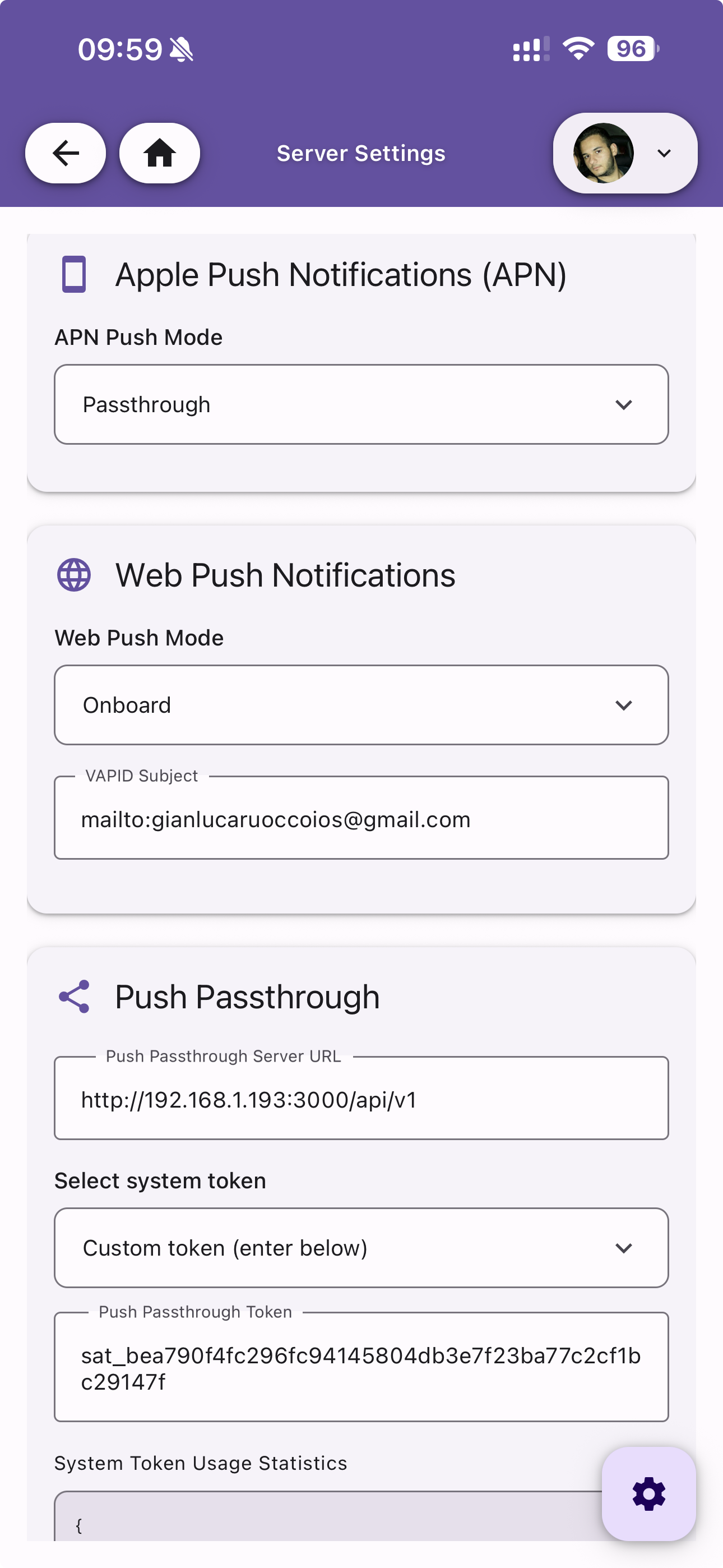
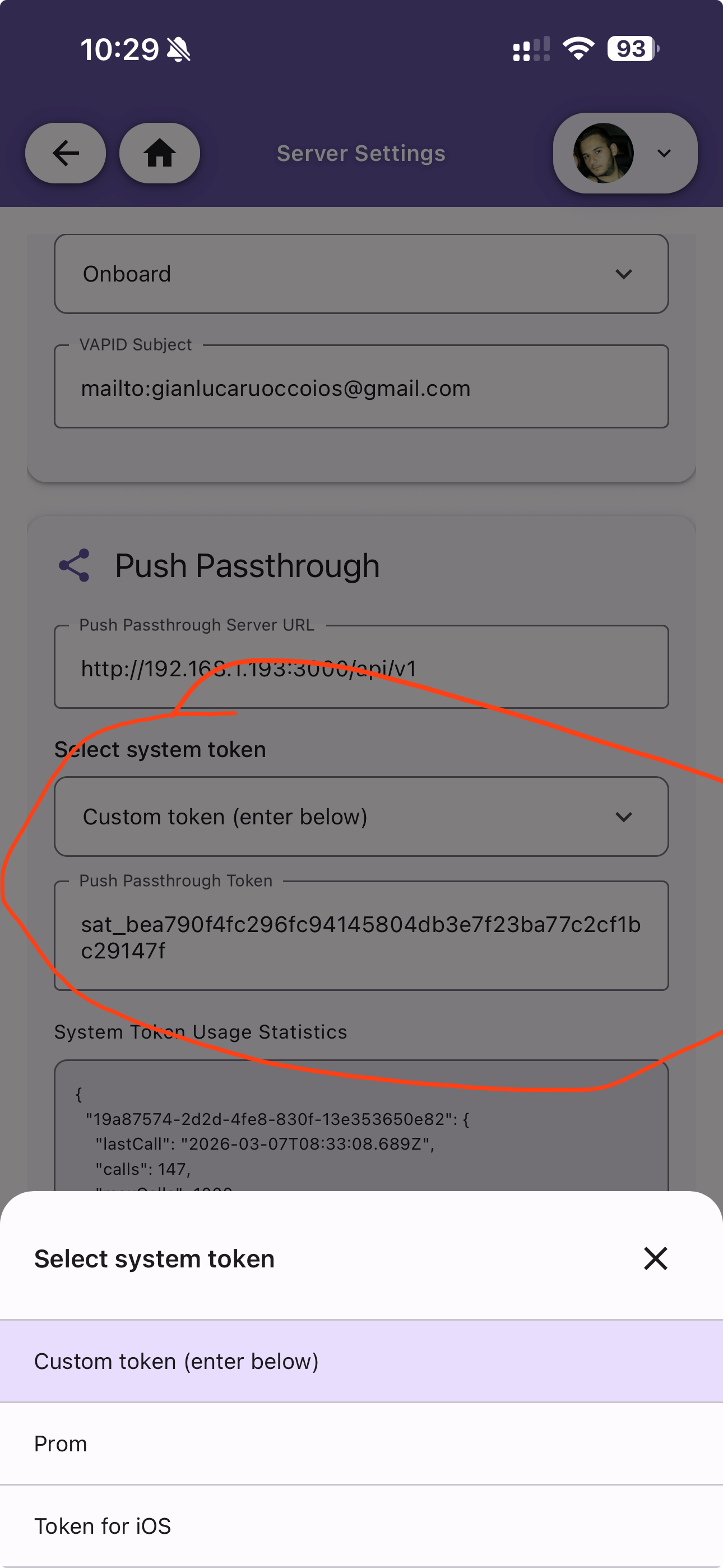
After you select the token, your backend will use the Zentik cloud only as a bridge to deliver notifications; content remains encrypted and is not stored. See Settings - Push Passthrough for the related server settings.
Installation
Zentik is fully self-hostable and can be installed using Docker Compose. The backend is built with NestJS and uses PostgreSQL 14+ as the database.
OAuth Providers
Zentik supports multiple OAuth providers for user authentication and registration. You can configure built-in providers or create custom OAuth integrations.